How-To
Bin Notes are freeform, dated notes attached to a Bin, kept separate from load history. They're useful for anything worth remembering that isn't a load itself (a quality observation, a maintenance reminder, why a bin was set empty early, etc.).
-
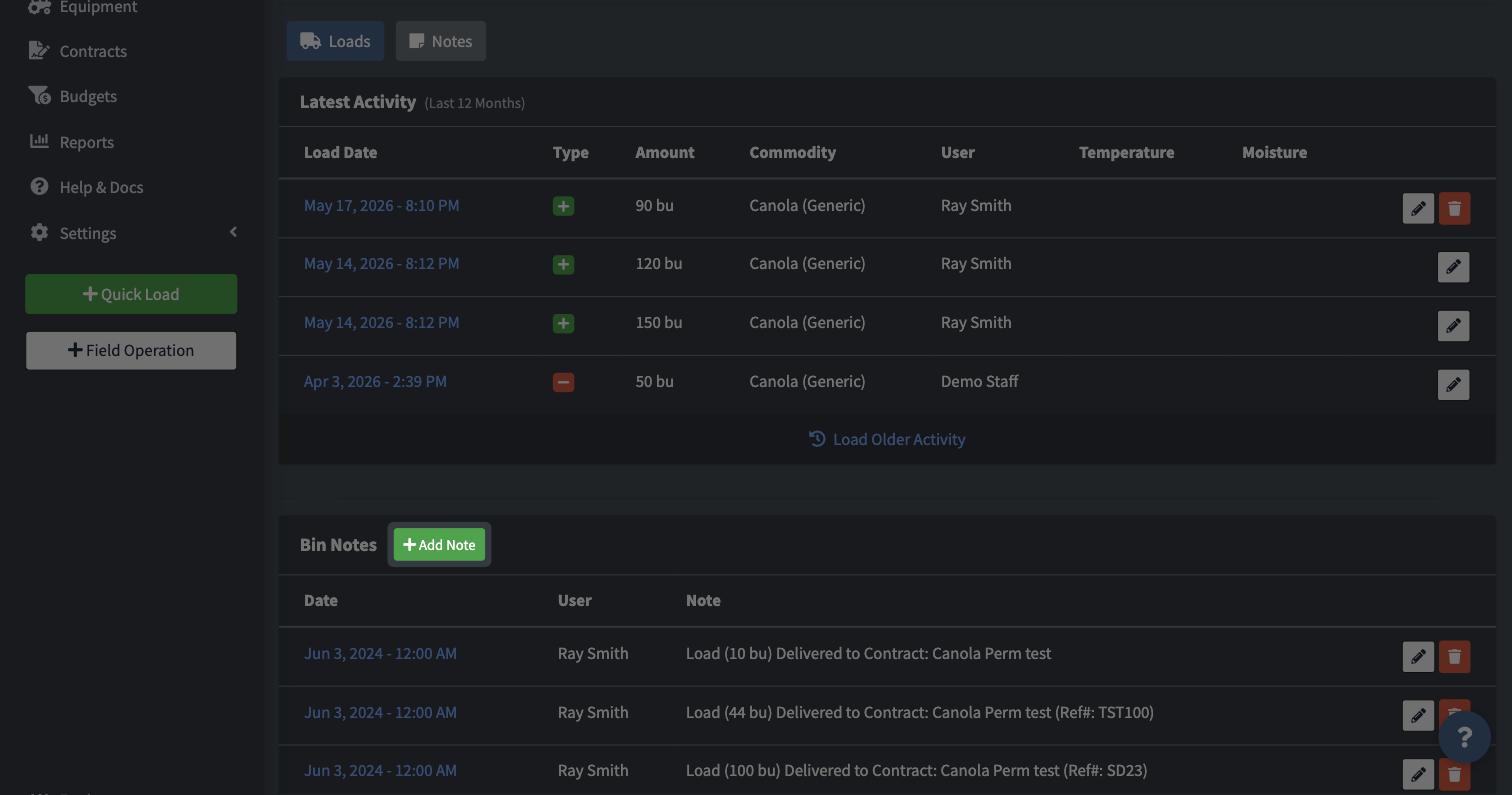
From a Bin's page, click Notes, then Add Note.
-
Enter the date and your note text.

-
Save.

Edit or delete an existing note from the same list.
FAQ
Do I need Manage Yards/Bins permission to add a Bin Note?
No, anyone with the Manage Loads permission can add, edit, or delete Bin Notes, even without full Yards/Bins management access.
Are notes shared across the farm?
Yes, Bin Notes are visible to anyone with access to that Bin, not just whoever wrote them.