How-To
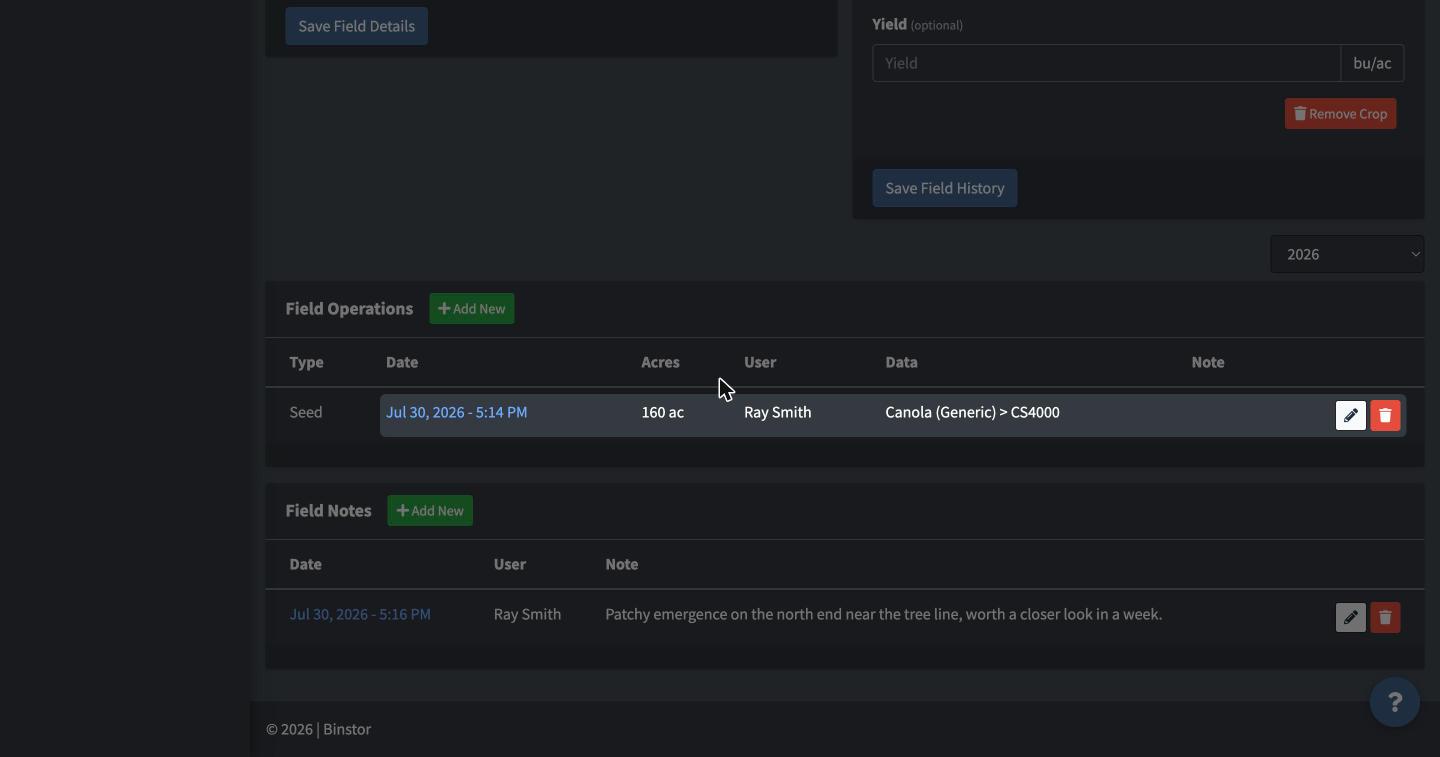
Field Notes are freeform notes tied to a field and date, separate from Operations, useful for scouting observations, issues, or anything that doesn't fit a structured Operation type.
-
From a Field's page, click Add New in the Field Notes section.

-
Enter the date, your note text, and optionally attach a file.

-
Save.

Edit or delete an existing note from the same list.
FAQ
What's the difference between a Field Note and a Field Operation?
Operations are structured records of things done to the field (planting, spraying, harvest) that feed into acreage/progress tracking. Notes are freeform and don't affect any calculations; use them for observations, reminders, or context that doesn't fit an Operation type.
Why can't I add a Field Note?
You need the Manage Operations permission, the same one that gates adding Field Operations.