How-To
Varieties are specific seed varieties within a Commodity (e.g. a specific canola hybrid). They can only be added once the commodity itself exists.
-
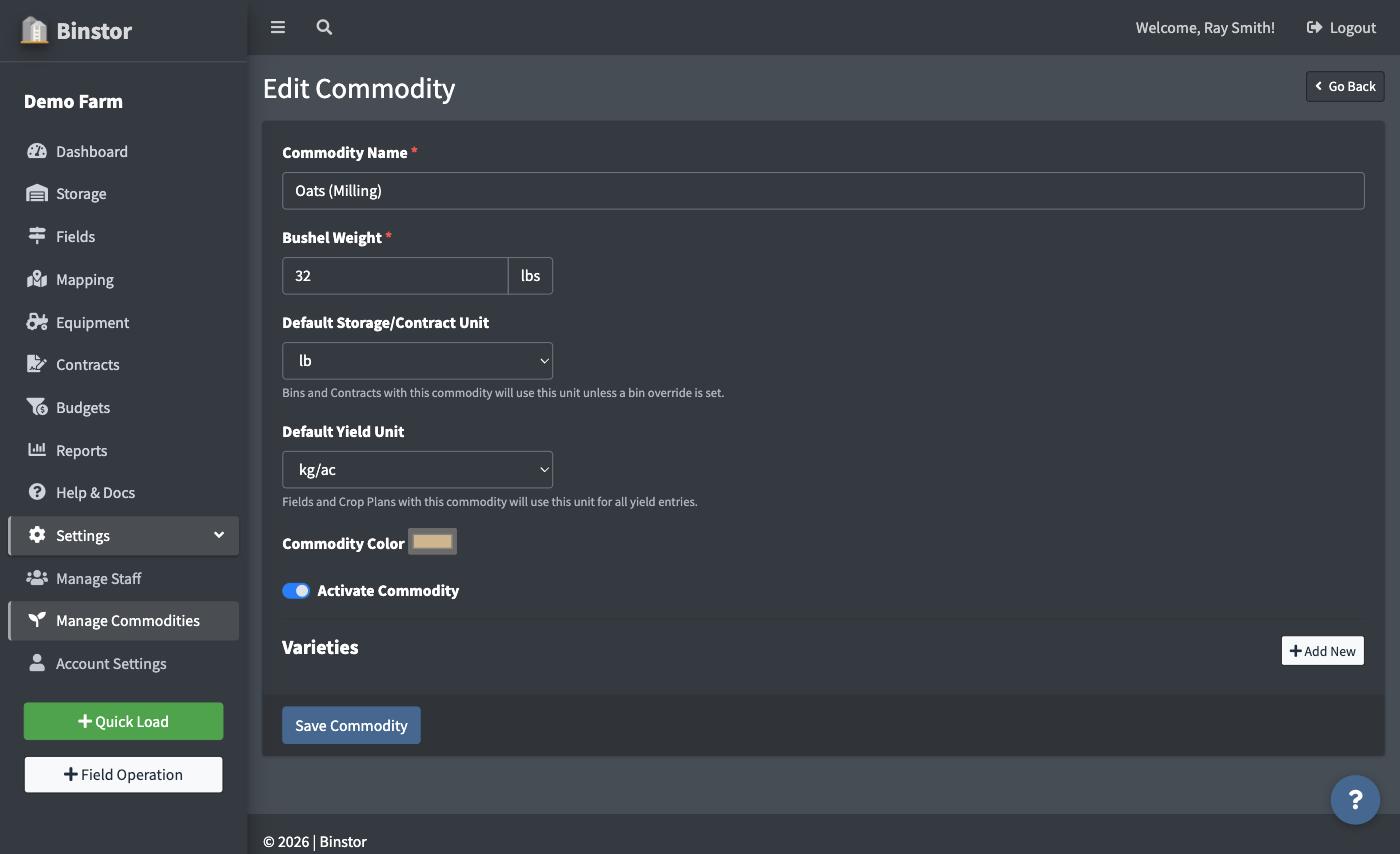
Open a Commodity's Edit page.
-
Under Varieties, click Add New.

-
Enter the variety name.

-
Save.

Edit or remove a variety from that same list using the pencil/trash icons. Removing a variety is a soft delete; it's hidden from new selections without erasing historical records that used it.
FAQ
Why can't I add a Variety when creating a new Commodity?
The Variety option only appears once you've saved the Commodity. It's a two-step process: create the commodity first, then add varieties from its Edit page.
Why can't I add or edit Varieties?
You need the Manage Commodities permission, the same one that gates Commodities themselves.